Your private things, kept private.

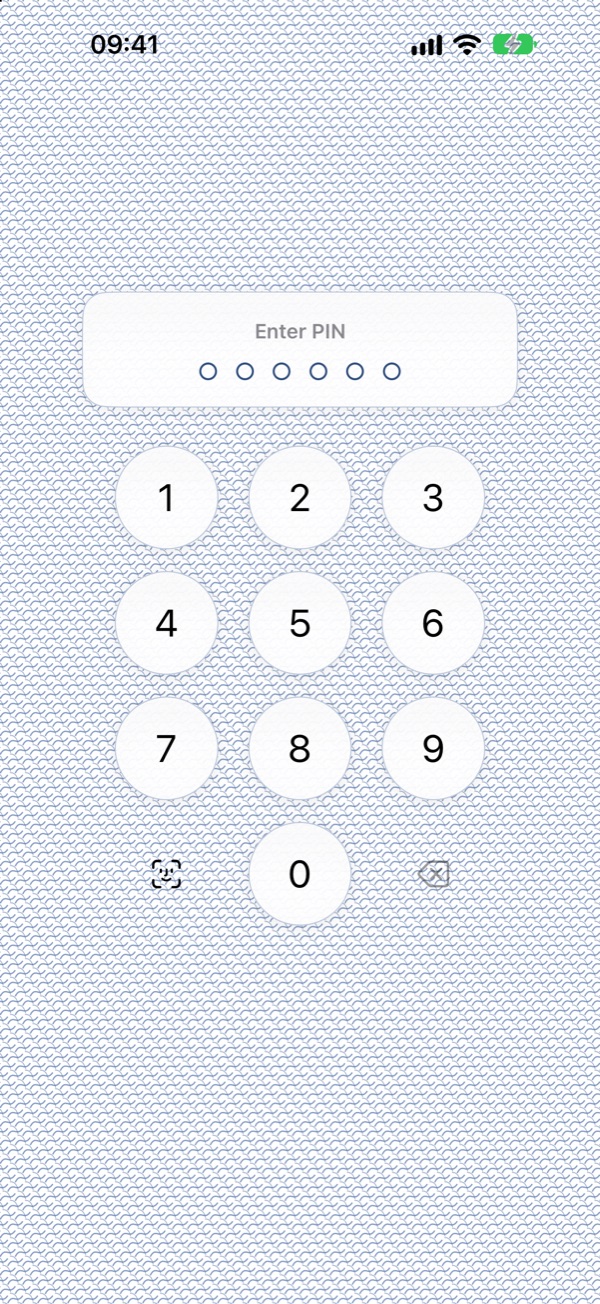
Keep hides your photos, videos and documents behind Face ID or a PIN. Everything is encrypted on your iPhone. There's no account and no cloud, and nothing in your vault leaves your phone unless you choose to send it.

Coming soon on theApp Store

There's no way to recover a forgotten PIN, not even by us. That's the point.

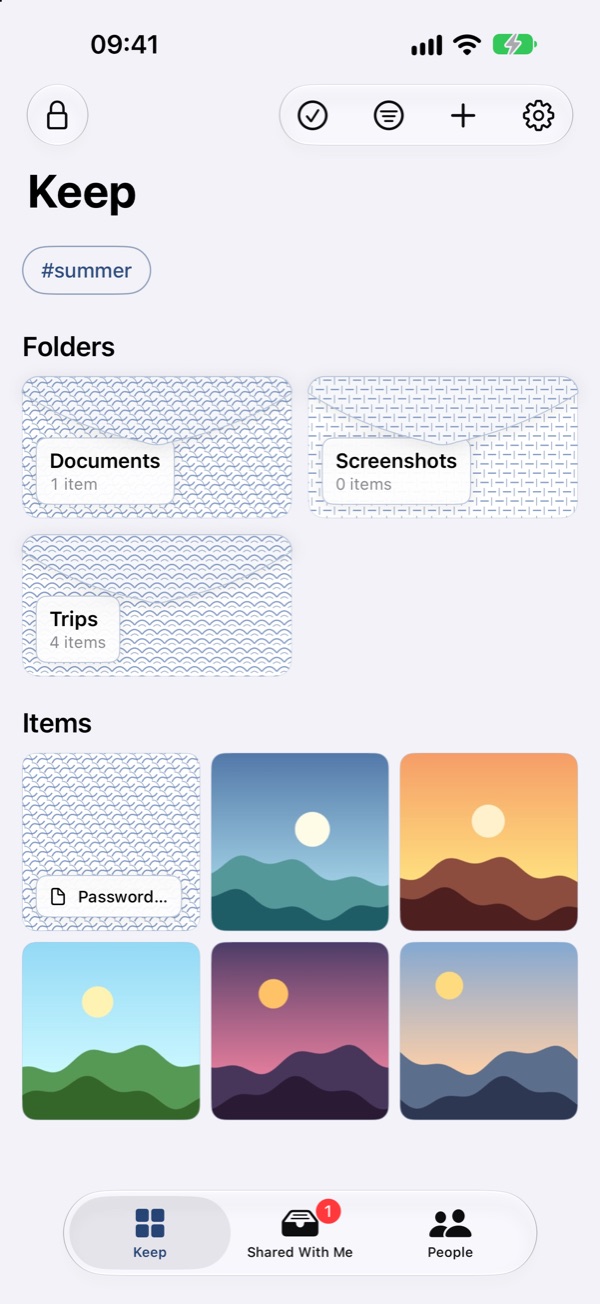
Keep's main screen, showing folders for Documents, Screenshots and Trips above a grid of hidden photos

Locked away. Easy to open.

Keep is built for everyday people, not security experts. It's safe by default, and getting back to your things takes one glance.

Encrypted on your iPhone

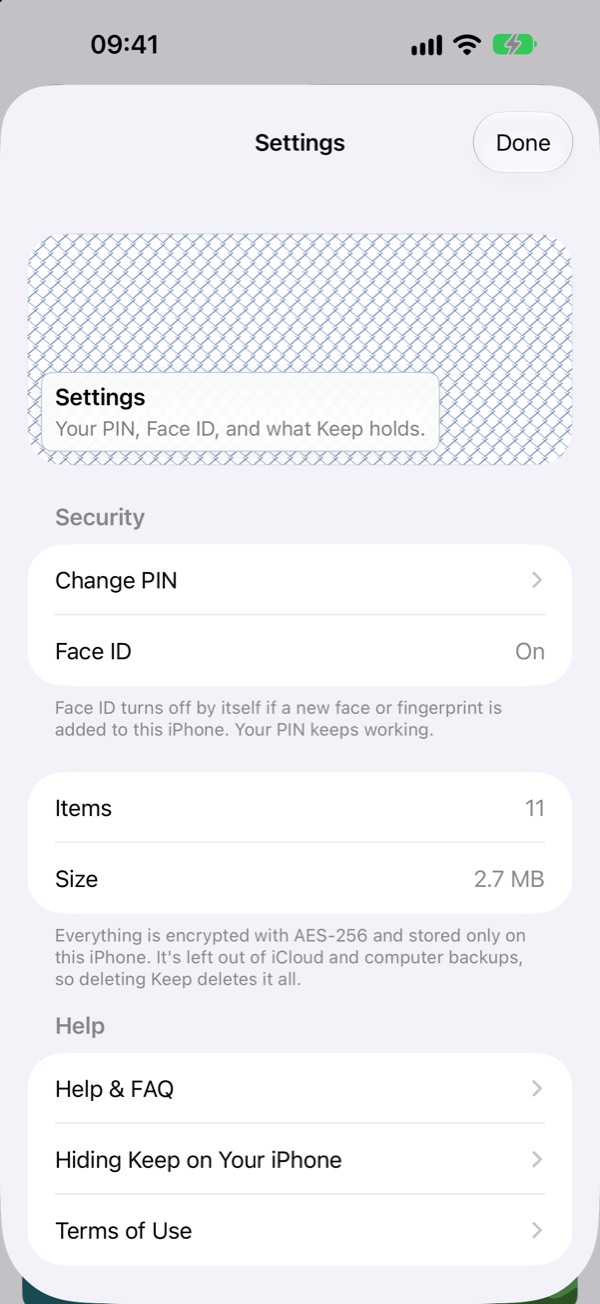
Every photo, video and file is encrypted with AES-256. The key lives in your iPhone's secure Keychain, opens only with your Face ID, Touch ID or PIN, and never leaves the device. Your vault isn't synced anywhere and is left out of iCloud and computer backups.

Face ID or PIN

Unlock with a glance, or with a PIN of six digits or more. After repeated wrong guesses, Keep makes you wait longer each time.

Decoy PIN

A second PIN opens a separate, believable vault. If someone makes you open Keep, enter the decoy. Nothing on the phone shows that a second vault exists.

Self-destruct

Erase everything with five taps, after a set number of wrong PINs, or with a duress PIN that wipes instead of opening.

Photos, videos and files

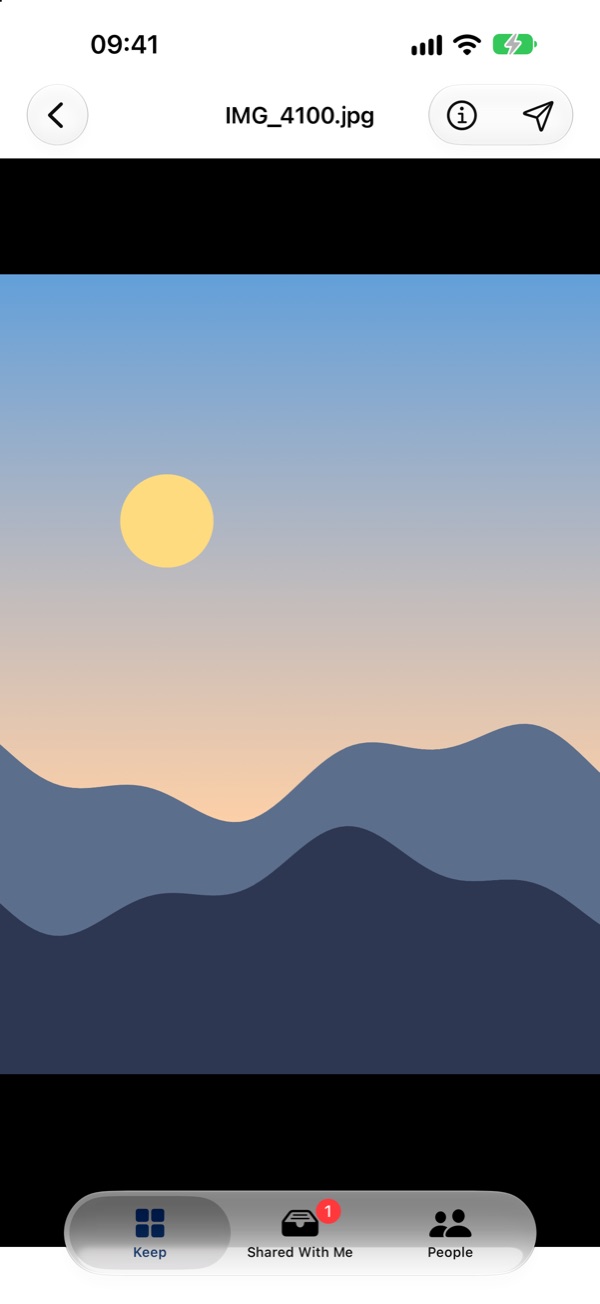
Import from Photos or Files, and let Keep remove the originals from your photo library. View photos, videos and PDFs right inside the app.

Folders, tags and search

Organise everything into nested folders, tag it and find it again in seconds.

Clean exports

When you share something out, Keep strips location and other hidden details first, from photo EXIF and GPS data to video and PDF metadata.

Locks the moment you leave

Keep locks as soon as you switch away, and its contents are hidden in the app switcher.

A name that doesn't announce itself

On your Home Screen it's just "Keep". You can also tuck it into iOS's Hidden apps folder and keep it out of Search.
Quiet, simple and sealed.

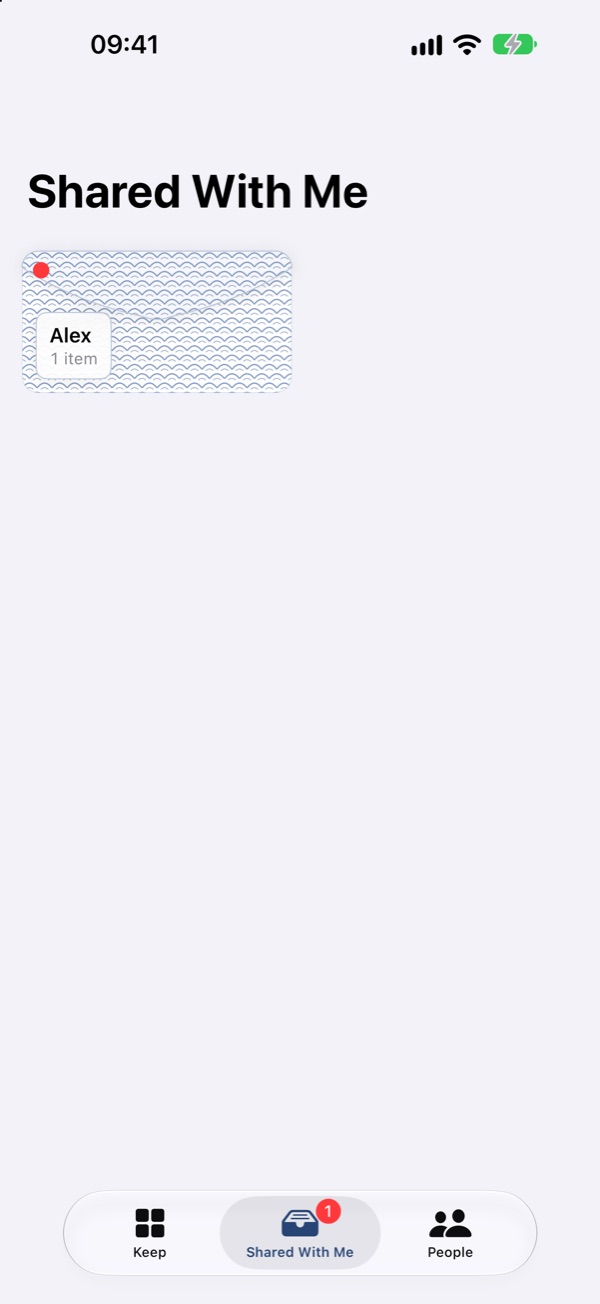
Share with people you trust. Only them.

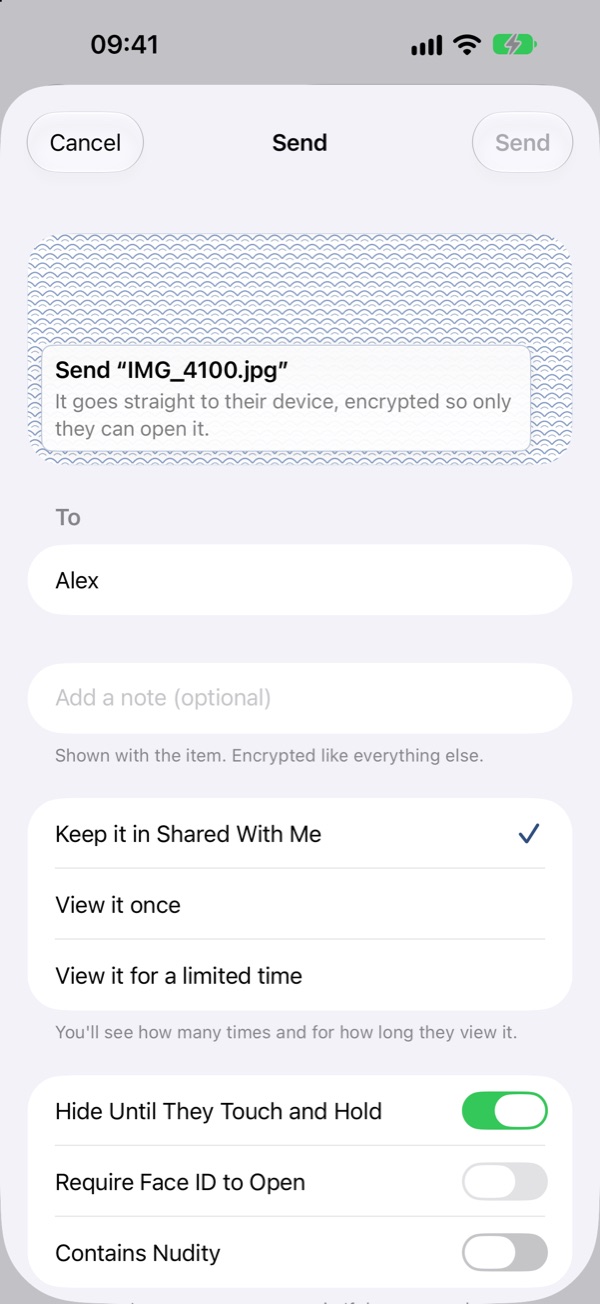
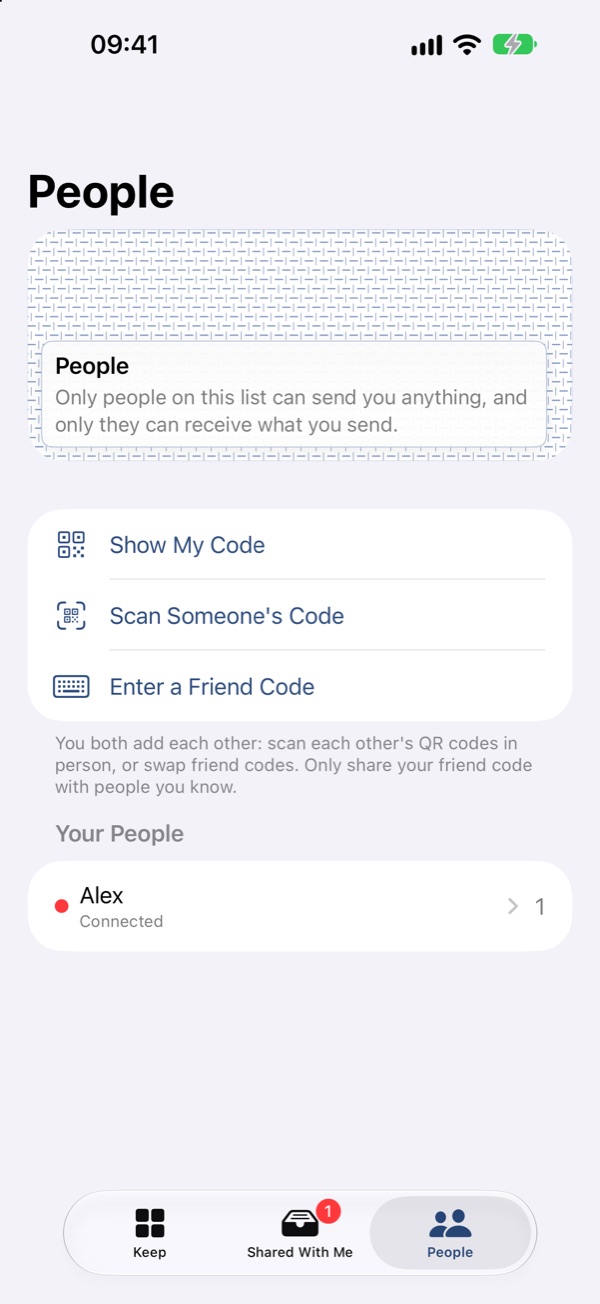
Sharing is optional and off until you turn it on. You can share only with people you've both added, in person by QR code or with a friend code. There's no public directory and no way for strangers to reach you.

01

End-to-end encrypted

Items go phone to phone, sealed to the other person's device. Our relay only helps phones find each other and can't read what you share.

02

You stay in control

Choose view-once, a time limit or keep. Withdraw anything later and it's erased from their phone. Shared items can't be saved or exported.

03

Screenshots erase

If someone screenshots what you sent, you're told and everything you shared with them is erased. Shared items blur during screen recording.

04

Zero tolerance

Block or report anyone at any time. Every report is reviewed within 24 hours, and anyone who breaks the rules loses access to sharing.

Free to use. Ad-free if you like.

Everything in Keep is free, supported by ads. Ads are kept away from what's in your vault: they never see your photos, files or anything you share.

Free

Keep

The whole app, with ads: a banner, a sponsored card, the occasional full-screen ad, and a short video before you share something.

  • Every feature included
  • No account needed
  • Ads never see your vault
Subscription

Remove Ads

Takes away every ad in Keep, including the video before sharing. Google's ad software isn't even started while it's active.

  • No ads anywhere
  • Share without watching anything
  • Cancel any time in Settings

£1 a month or £10 a year (UK prices; local prices vary)

Subscriptions renew automatically until cancelled. By subscribing you agree to Apple's Standard EULA and our Terms of Use.